Tips
Make a PowerPoint game: a three-path adventure using slide links
Build a choose-your-path PowerPoint game with five slides, two clickable choices, different results and a final playthrough test.
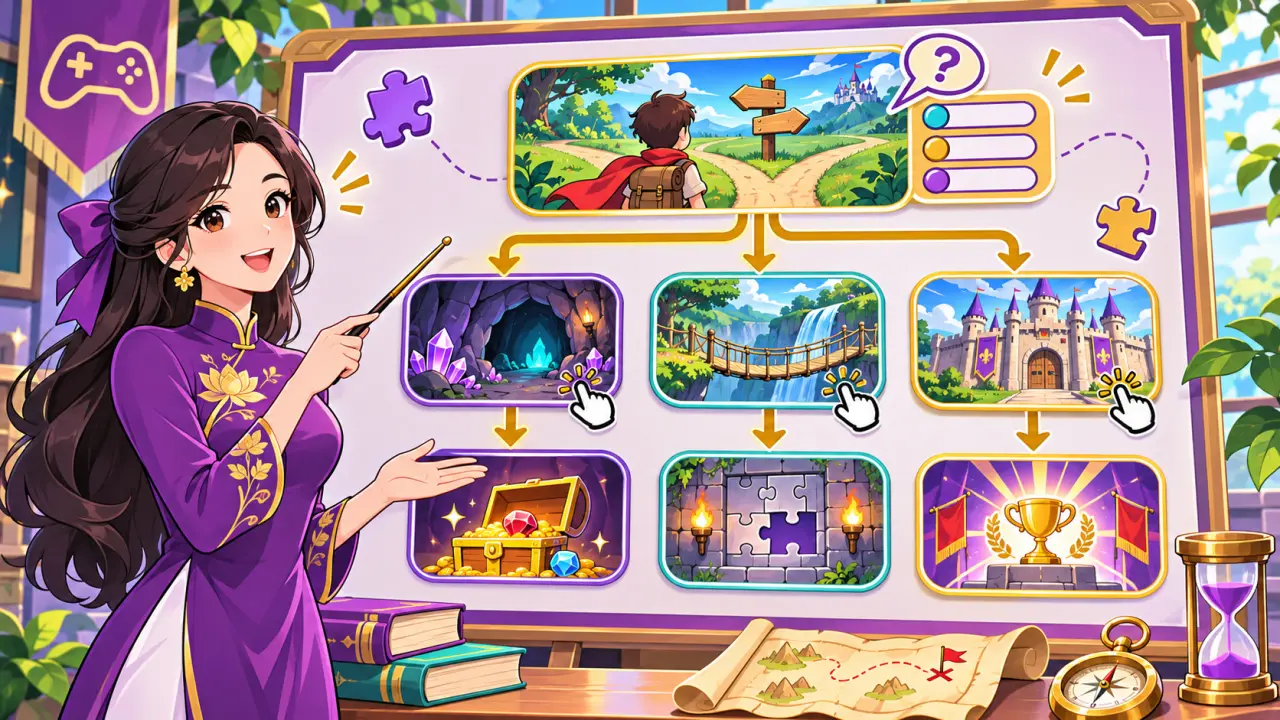
If you want to make a game in PowerPoint without stacking animation effects, start with a small choose-your-path adventure. Unlike a quiz that reveals an answer with a Trigger, this design takes the player to another slide when they click a choice. You need five slides and PowerPoint's built-in link feature, with no macro or code.
Draw the route before opening PowerPoint
On paper, draw five boxes: (1) opening, (2) crossroads, (3) left path, (4) right path and (5) ending. Draw two arrows from slide 2 to slides 3 and 4, then one arrow from each path to slide 5. For example, a team searching for a gem can enter a maze or follow a river. Each path should reveal something different, even if both reach the same ending.
Make two choice buttons from shapes
On slide 2, insert two large shapes labeled “Enter the maze” and “Follow the river.” Select the first shape, choose Insert → Link, then Place in This Document or This Document, depending on your version, and pick slide 3. Link the other shape to slide 4. Microsoft's slide-link instructions explain how to link a shape or text to a particular slide in the same presentation.
Give each branch a meaningful result
On slide 3, show a clue found only in the maze; on slide 4, show a different clue from the river. Do more than change the background color. Put a “Continue” button on each slide and link both buttons to slide 5. At the ending, ask which route kept the team safer and why. If players may try again, add a button linking back to slide 2.
Test in Slide Show
Run Slide Show and click every button. Try both paths and the restart button. If a click on empty space accidentally moves to the next slide, guide players to use the buttons and check slide order. Let somebody who has not seen your plan play: if they understand the task without extra explanation, the game is clear enough. For a theme, study the goal of Mysterious Chamber or browse the game library, then write your own challenge.